Record on your phone,
walk out with meeting notes
No need to buy recording gear: your phone is the best voice recorder you own. Hand the recording to Osmi right on your phone, answer a few questions, and the meeting notes are in your pocket.
Step 1
Record with your phone's built-in app
Before the meeting, set your phone in the middle of the table, open the recording app and hit record: Voice Memos on iPhone, the built-in voice recorder app on Android. Video works too; Osmi only uses the audio.
Step 2
Open Osmi, tap "+" to pick the recording, then "Start"
Tap "+" in the bottom-right corner and choose the recording you just made; audio or video someone texted or emailed you works too. For iPhone Voice Memos, tap Share → Save to Files first, then pick it. Check the length and tap "Start". Once it's uploaded, you can go do something else. You'll get a notification when it's ready.
Step 3
Tell Osmi who's who, then export on your phone
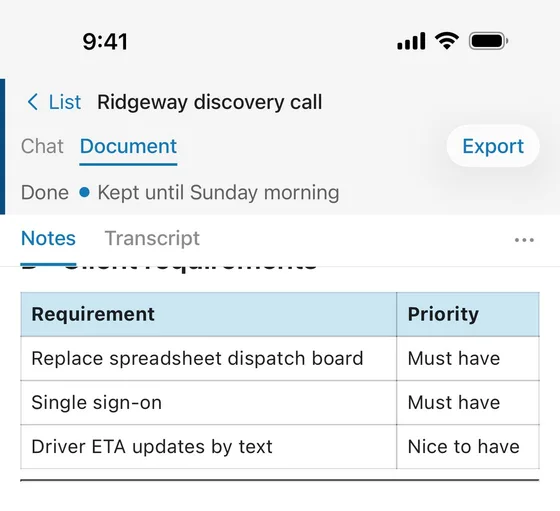
Osmi writes the transcript first, then asks you to swap in the speakers' real names. Names or terms spelled wrong? Fix them all at once with "Fix terms". When it's done, tap "Export" in the top-right corner, save as PDF or Word, and text or email it to everyone.
Tips
- Set the phone between the people talking for the clearest sound.
- Meeting recorded in several parts? Select them all at once and Osmi stitches them together in order.
- Before you record, let everyone know.