Your first interview notes
start with your latest interview
User interviews, research interviews, press interviews: what matters most is the interviewee's own words. For your first go, pick your latest interview. Hand over the recording, answer a few questions, and a word-for-word transcript that keeps track of who said what comes back with the key points.
Step 1
Record the whole interview on your phone
Ask the interviewee's permission first, put your phone between the two of you, open the built-in recording app and hit record: Voice Memos on iPhone, the voice recorder app on Android. A video recording of an online interview works too; Osmi only uses the audio.
Step 2
Open Osmi, tap "+" to pick the recording, then "Start"
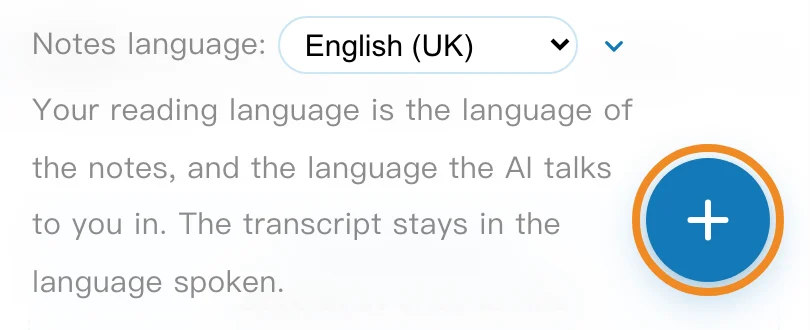
First choose the "Reading language" at the bottom; your notes are written in that language. Tap "+" in the bottom-right corner and pick the file; if the interview was recorded in several parts, select them all. Check the length and tap "Start". Once it's uploaded, go and do something else; you'll get a notification when it's ready.
Step 3
Tell Osmi who the interviewee is
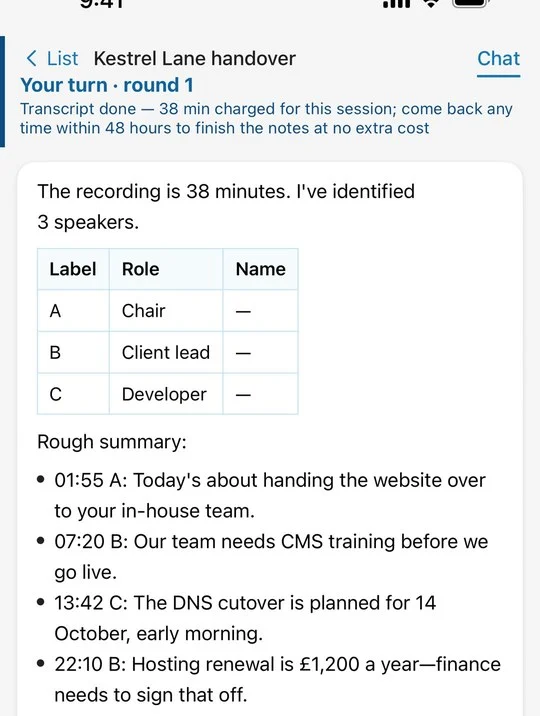
Osmi writes the transcript first, then lists the speakers it heard. Swap A and B for your name and the interviewee's. Terms spelt wrong? Fix them all in one go with "Fix terms"; if everything's right, tap "All correct".
Step 4
Export it and start your analysis
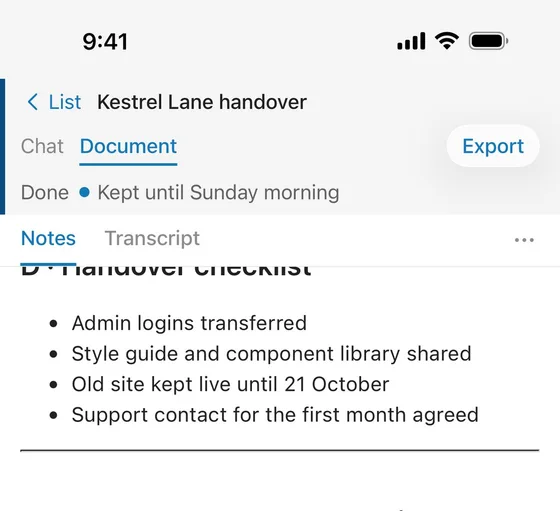
The transcript keeps the interviewee's own words, and you also get a quick read, a timeline and key points. Tap "Export" in the top-right corner, save it as a PDF or Word file, or send it straight to Google Docs, then drop it into your research notes.
Tips
- New accounts get 60 free minutes, valid for 30 days, which is plenty for a full interview.
- Whatever language the interviewee speaks, the transcript keeps their words in that language.
- Before you record, get the interviewee's permission.