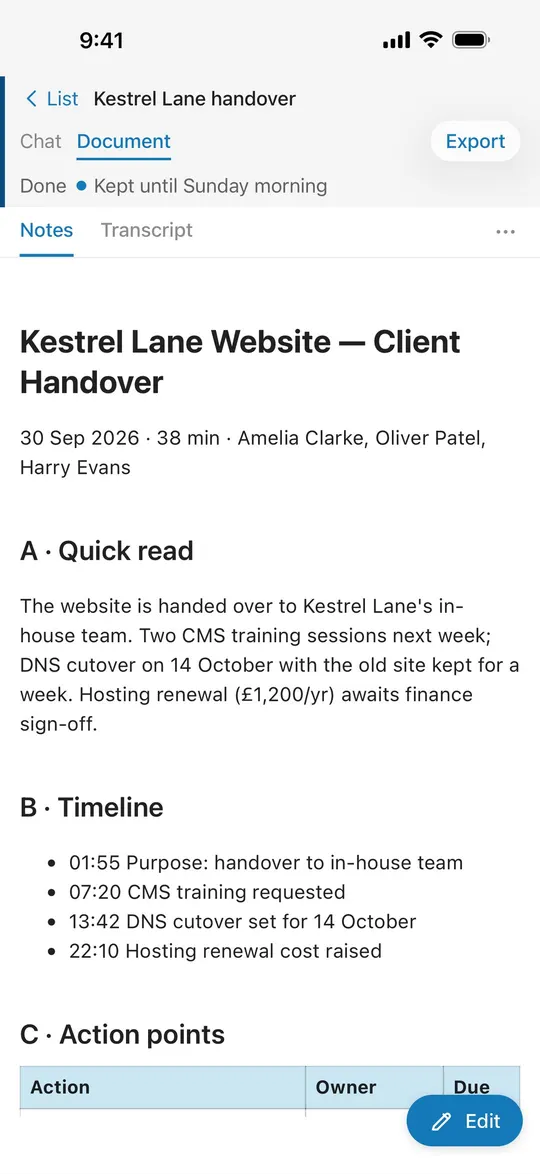
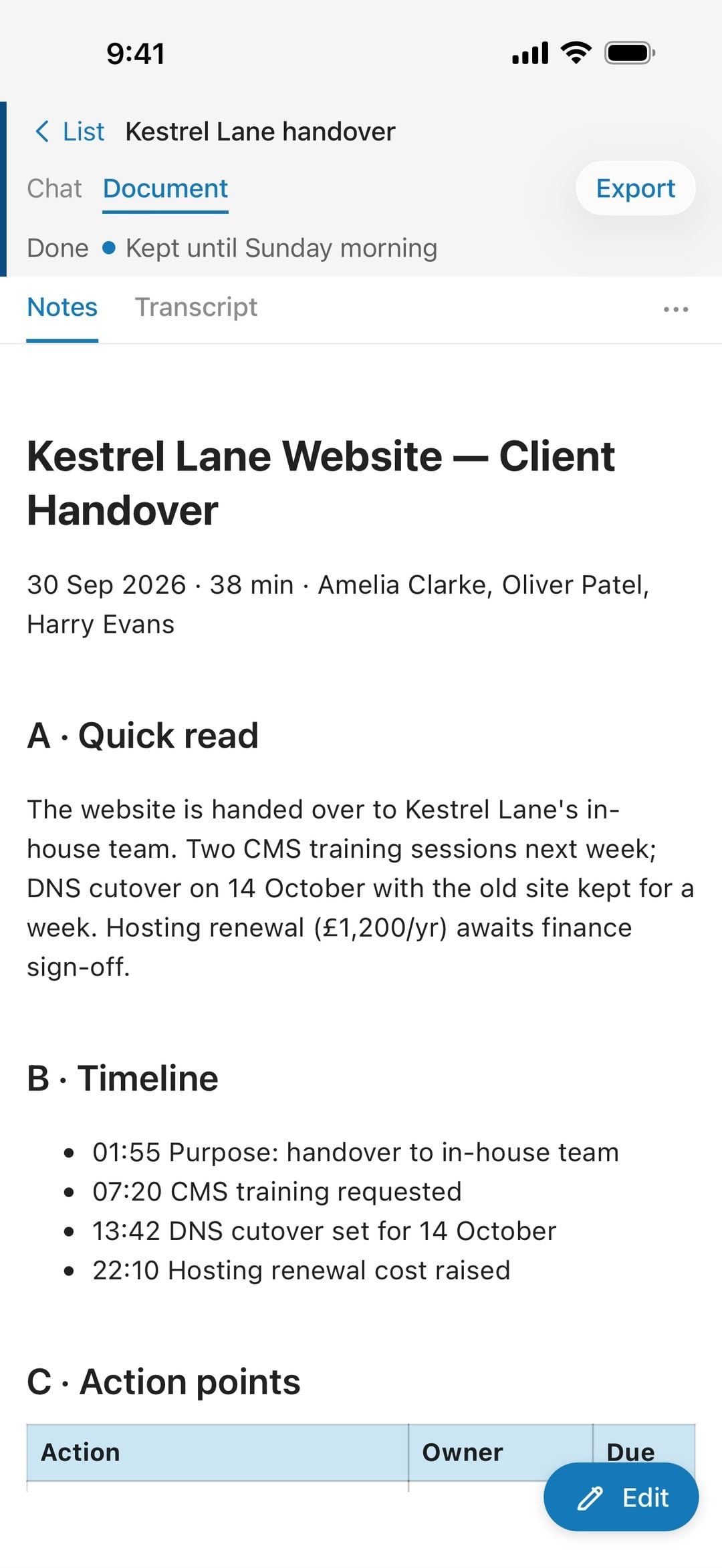
What Osmi's minutes look like

Finished minutes from a sample project meeting (names are made up). Osmi normally asks about speakers and terms first; to see the minutes change with your answers, pick an option below. No upload, no credit used.

Small print

  1. In the phone app, one session can run up to 4 hours; on a computer, the web app (meeting.bookai.com) takes up to 12 hours. Speaker identification is less reliable for recordings over 4 hours, so check the speaker names when it's done.
  2. We delete your recording once the whole meeting has been processed. Transcripts and minutes are deleted 48 hours after your last action on them, or 24 hours after you export them. We never use your content to train AI.
  3. New accounts get 60 free minutes, valid for 30 days. Credit you buy doesn't expire.
  4. Credit is only used once your transcript is delivered; if processing fails, it's returned in full.
  5. Transcripts are produced by AI and may contain mistakes. For anything important, check against the original recording.
  6. You choose the language of the recording and of the minutes, from the languages we support.
  7. Osmi doesn't record: you upload a recording you already have. DS2 files aren't supported yet; convert them to a common audio format such as MP3 first.
  8. While it's being processed, your recording is stored temporarily on Google Cloud and deleted when processing is complete.
  9. Notes stay in your account. You can export them or delete them, and you decide.
  10. Scene photos are stock images from Unsplash/Pexels, not Osmi users. Names and companies in the sample meeting are made up.